REGISTER NOW: Uncomfortable Conversations: The Skills Crisis
REGISTER: 8THIRTYFOUR Skills Survival School Founding Cohort

How to Optimize your Facebook and Instagram Images

Share the goods.

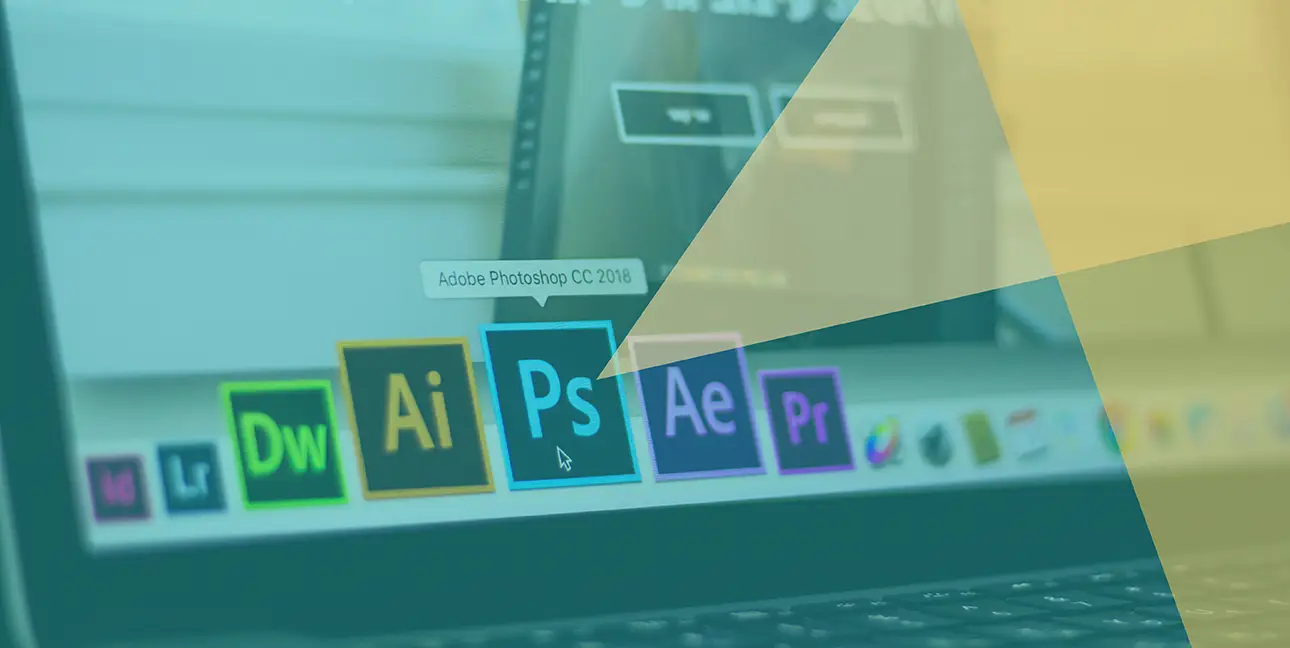
A Mac toolbar with a mouse that is hovering over Adobe Photoshop CC 2018

Picture your Facebook or Instagram newsfeed. What do you see?
Let us guess: photos & videos.
Of course, if you want to look good, you can’t just post any image or video that you come across. Your content needs to be optimized for each platform, and for each device someone may be using.
Luckily, we have a handy guide for you to use for two of the most prominent social media platforms: Facebook & Instagram.
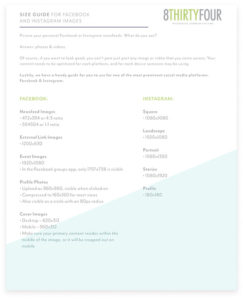
Don’t have time to read the blog? Here’s a copy of the PDF guide. Image guide for Facebook & Instagram
Facebook

Some sizes are straightforward on Facebook.
For example, newsfeed images are always 472×394, but a 4:3 image works perfectly fine in most cases. However, simply uploading an image creates a 1:1 ratio image, specifically 504×504.
Also, if the image is being pulled in from an external link, such as a blog post, then it will be 1200×630.
These are the most common image types that you’ll come across, but here are some others:
Event Images

  • 1920×1080
  • In the Facebook groups app, only 1757×738 is visible

Profile Photo

  • Upload as 960×960, visible when clicked on
  • Compressed to 160×160 for most views
  • Also visible as a circle with an 80px radius

Cover Image

  • Desktop – 820×312
  • Mobile – 560×312
  • Make sure your primary content resides within the middle of the image, or it will be cropped out on mobile

Instagram

Instagram is more straightforward since it is almost exclusively viewed on mobile devices, however there are more dimensions to consider other than just the post image.

  • Square post – 1080×1080
  • Landscape post – 1920×1080
  • Portrait post – 1080×1350
  • Stories – 1080×1920
  • Profile – 180×180

Image guide for Facebook & InstagramDownload the Guide 

And you’re off! Piece of cake, right?
Don’t fret: you can download the cheat sheet here.

Leave A Comment

Recent Musings

Something on Your Mind?

Who made all these rules anyway?

Don’t wear color. Don’t share your ideas. Don’t put yourself out there. Don’t talk about your family.

We’re told to follow them, but @bodespeaks says question every single one. Then uncover your big hairy audacious goal, throw out the rulebook, and build a personal brand that actually works for you.

Thank you to Aggie and Cristy for having Kim on the @badass_women_in_business Podcast and, well... for being total badasses.

Listen to the full episode in bio.
We had some fun in the office this week and asked some of the 8THIRTYFOUR team what “square up” means.

Surprisingly, the Gen Z of the group got it, but one of our Gen X’s did not (not saying any names…)

How do you “square up”? 

#trending #fyp #squareup #agencylife
We love Dr. Karen May’s mission.

What if we taught our daughters AND our sons about women’s health, hormones, and pregnancy? Not as a whispered “talk” or a one-time awkward conversation. Just normal dinner-table stuff.

The girls deserve to know what’s coming (perimenopause shouldn’t be a surprise party nobody wanted). And the boys? They’ll be partners, dads, coworkers, and bosses to women going through all of it.

Thank you, Dr. May, for sharing your best practices to keep the women’s health conversation going at our Uncomfortable Conversations | The Pause event.
Showing up to an interview with an iced coffee? Not the move… unless it’s for @bodespeaks

#icedcoffee #agency #PR #trending #grandrapids
Privacy Overview

This website uses cookies so that we can provide you with the best user experience possible. Cookie information is stored in your browser and performs functions such as recognising you when you return to our website and helping our team to understand which sections of the website you find most interesting and useful.