It may not bea glamorous topic, but knowledge of file types and uses is inherently necessary in the design industry. So how does this effect you? Well… every day, marketing, PR, communications and advertising professionals are in contact with the media, printers, publications, venues, social channels, and more, all of which are mediums carrying out a message to your publics. Marketing campaigns involve many different channels and have various collateral to support it. The last thing you want to do irritate the hell out of the person who could potentially publish your story, or print your large-format signage for an upcoming trade show. These are people you may need a favor from in the future, so you want to maintain a good relationship and show them how competent and efficient you are to work with.
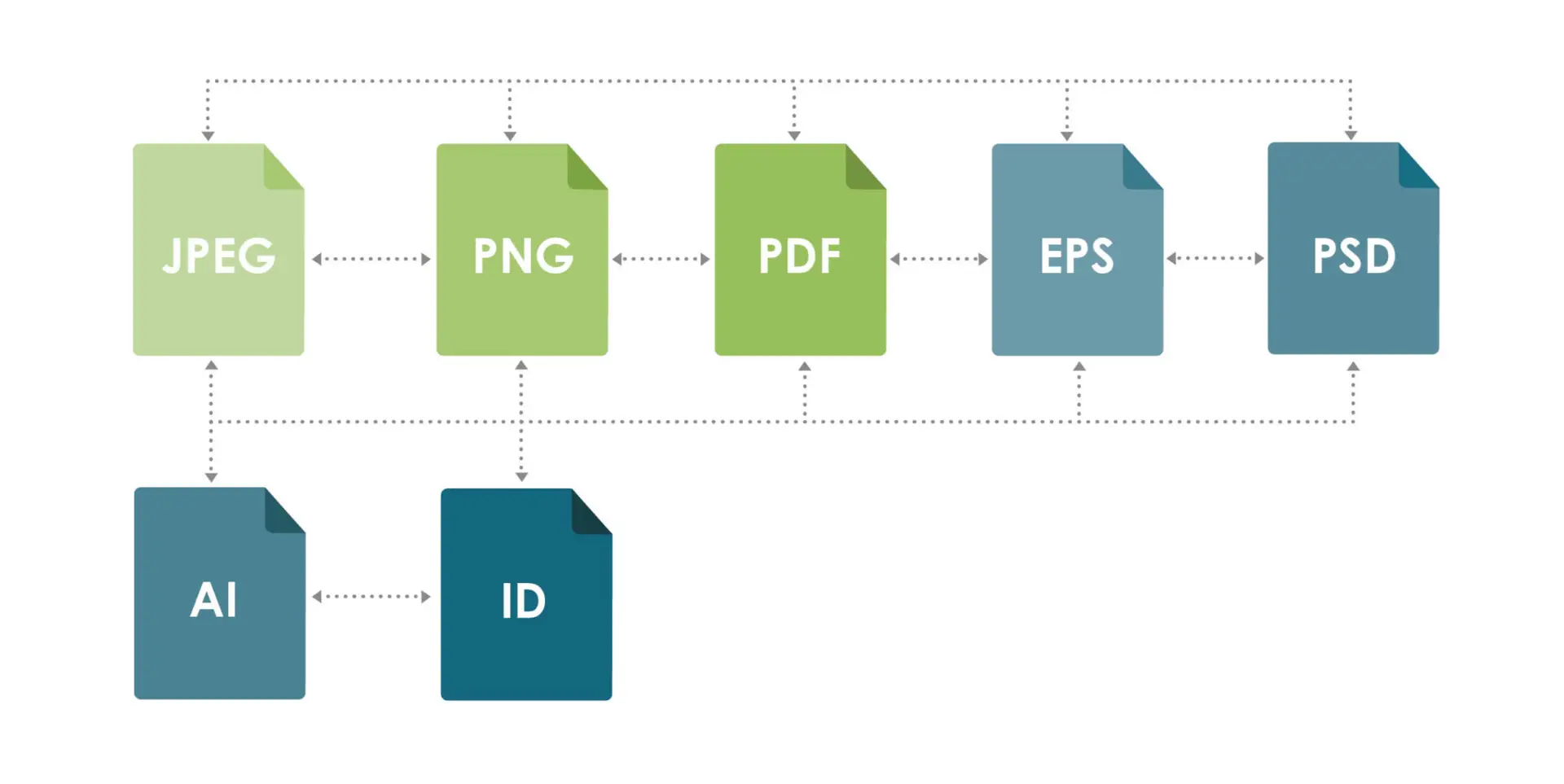
File types and uses vary greatly when it comes digital use, printed pieces, printed imagery within a larger publication and many other forms. Knowing what to use, when to use it and how to save it leaves little room for error in your finished piece. This list consists of the file types you will undoubtedly have to use and understand:
NATIVE FILES
PSD:
PSD files are generated through Adobe Photoshop, a fantastic software for editing photos and graphics, and designing complex compositions. Photoshop files are considered native files, meaning they are the original, editable, format for the creation and manipulation of documents. Photoshop, unlike its counterparts Adobe Illustrator and Adobe InDesign, does not produce a vector file, meaning the file cannot be scaled up or down for different uses while still holding its resolution. In turn, this does not make Photoshop a good choice for assets that could be used across multiple mediums such as logo files, or for printed collateral that encompass typographic elements. This is because PSD works best in vector (scalable shape) form.
Example of use: Creation of social graphics and images that can be exported as .jpg, or .png files for digital use.
AI:
AI, or Adobe Illustrator files are vector-based files that allow you to do exactly what the name implies – create digital illustrations. Illustrator is great for logos and line graphics that will be imported into other, larger compositions. This software is less effective when it comes to type heavy layouts, or multi-page files.
Example of use: Logo designs that can be exported as an .eps file for use on apparel, signage and identity collateral.
INDD:
InDesign, or INDD files are exceptional for creating print projects and large, multiple-page documents. InDesign displays photos, typography and graphic elements together in a way no other software can. As a vector-based program, it allows the designer to import graphics created using Illustrator, and images edited within Photoshop to create whole projects, such as brochures, booklets, large publications, business cards, etc.
Example of use: Design and print-ready file of an eight-page annual report that can be sent to a printer with all links and fonts or exported as a PDF with crop marks for the printer to use as trim guidelines.
EXCHANGE FILES
JPG:
A JPG is the file type used for most digital images. This is an exchange file, meaning it is used to share, send, post, display, embed, etc. a file. This type of file cannot be edited and is the export of a native file (AI, INDD, PSD, etc.). Photos are typically saved and exchanged as .jpgs as well.
Example: Sending support images to publications with an event pitch for a client.
PNG:
Using a .png file for web elements and other digital mediums is great. The lack of resolution doesn’t hinder a digital display, but is usually inappropriate for print projects. PNG files are very unique when it comes to the way it interprets a graphic file. They are capable of displaying only the elements of the graphic without a background or art board being present when exported.
Example of use: Creating a white or reverse logo for your web developer to use on your website’s dark background.
PDF:
A PDF is essentially the most-used exchange file because any computer can view a PDF. But at the same time, a PDF can also store more information when it comes to embedded font files, images and editing capabilities within a single or multiple-page document. While it is still an exchange file, it can be edited within certain programs that would generate a native file. For these reasons, PDFs are great for printing and can easily communicate all information to the printer in a high-quality format.
Example of use: Creating a print-ready brochure file that is easily formatted to you’re your printer’s needs.
EPS:
An .eps file is great for exchanging graphic elements while retaining its vector properties. Although an .eps file cannot be opened with just any software, it does allow those who have the appropriate software to view, open, edit and resize the file for the intended use.
Example of use: Creating a universal logo file that can be opened, edited and used through for many different mediums and different scales.
Of course, this is a lot of information, and we’ve only scratched the surface. While you may not understand or be able to apply this information right off the bat, it will help you become acclimated to the lingo and practices of the many entities we deal with in our professional day-to-day and avoid potential mistakes in inconsistencies.